In your cards, you can log any kind of structured information. The most obvious use case is time tracking.
Adding a log type
Add the fields that are relevant for this log type. For example, you can add a Rich Text field to describe the log and a Number field to record the number of hours.
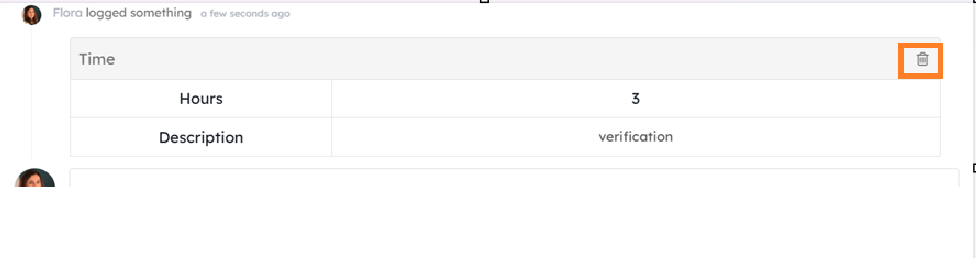
To delete a log, go to the Activities tab of your card and click the Delete (trash) button. You can only delete logs that you created yourself.
Editing a log type
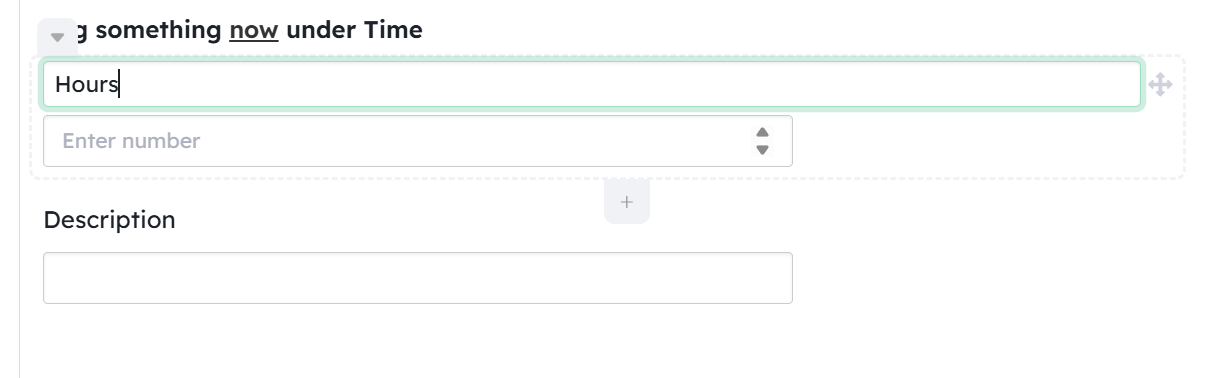
In a card, select a log type and rename its fields just as you would any other field on the card. You can also change their position. However, log type fields cannot be deleted.
You cannot rename a log type. If you need a different name, you must create a new log type.
Adding a log
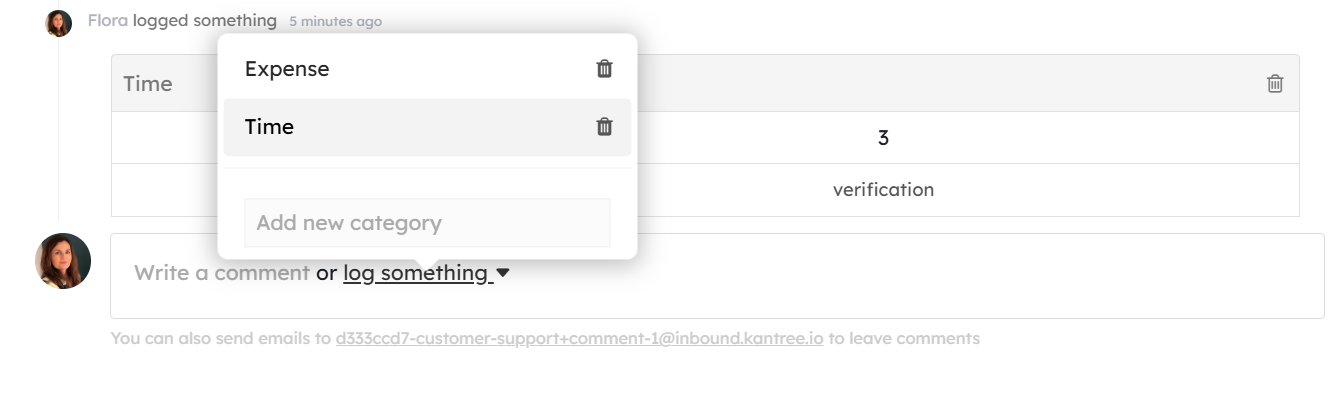
From the card’s Activities tab, click “Log something”, select the log category, and fill in the required fields.
Log view
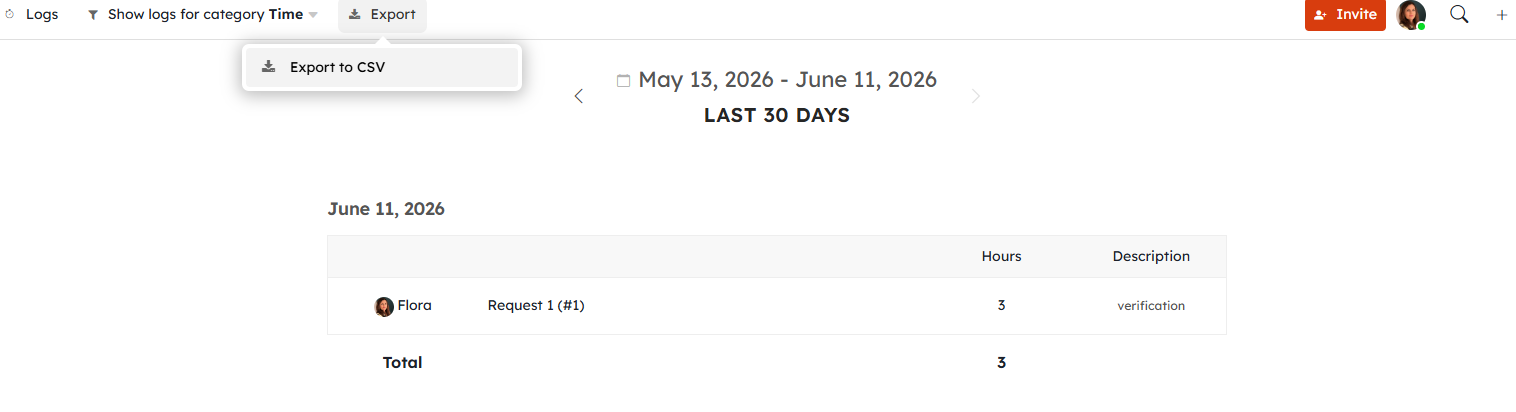
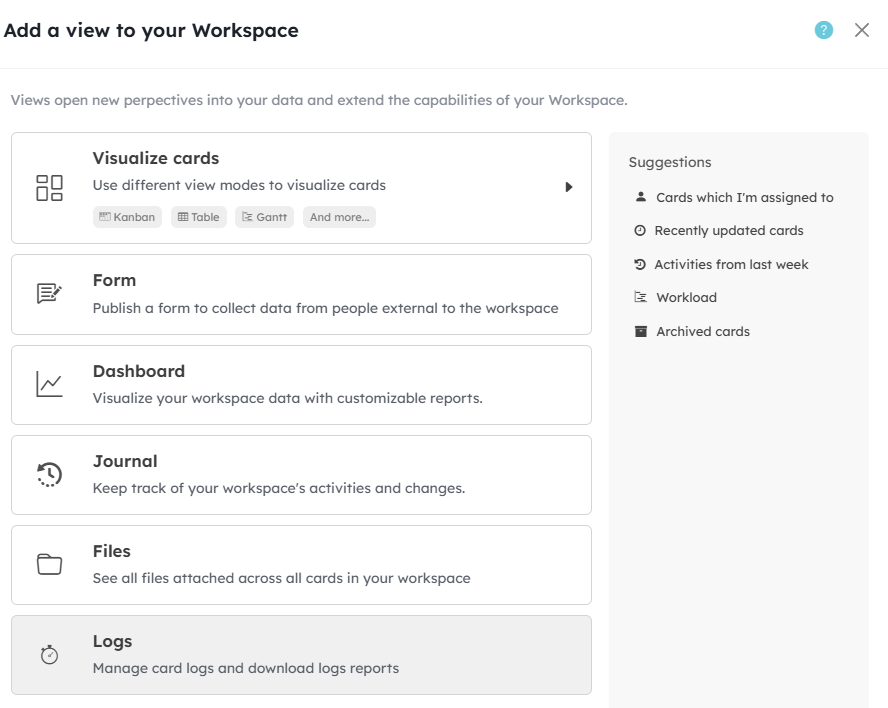
Use the Logs view to visualize and analyze logs recorded across the workspace over a selected period.
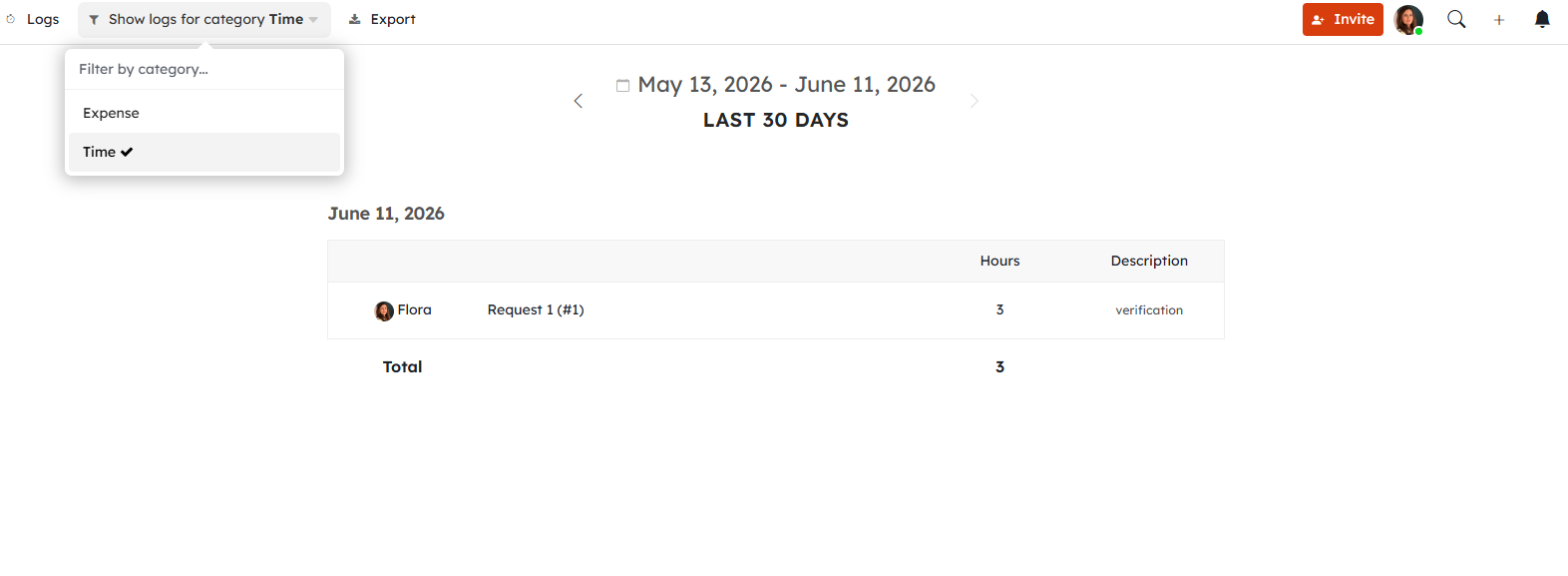
You can export this logs overview as CSV.