Webhooks
You can create webhooks in your projects.
You just have to register a URL and select a type of events in the list (cards, groups, etc).
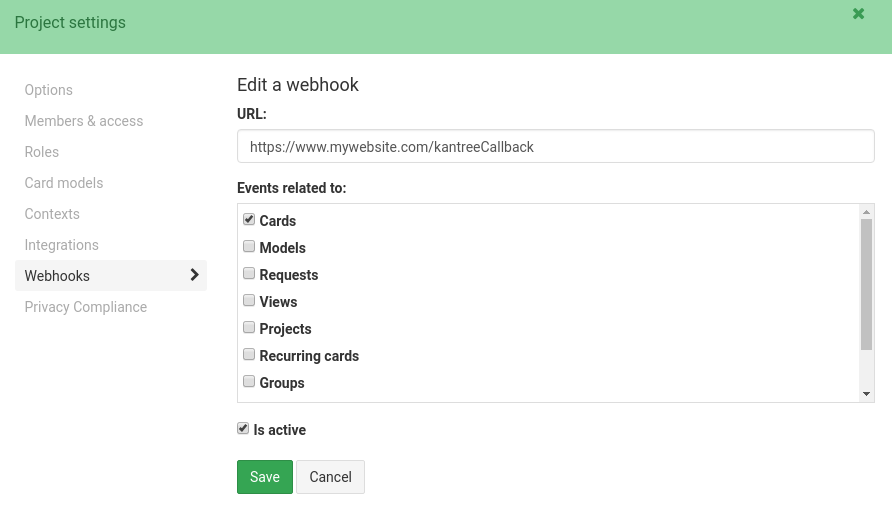
The last checkbox is active lets you temporarily enable/disable your webhook.
Once activated, your URL will receive events from the selected type each time one is emitted in Kantree.
Payload format
A webhook request will use the kantree user agent. It will contain a x-kantree-event header with the name of the event.
The request body will contain a JSON payload. It will be a hash with 2 properties:
{
    "event": "event_name",
    "data": PUSH_DATA
}
Where PUSH_DATA depends on the type of event.
For events related to cards, an additional card property will be provided with the card object.
Calling remote URLs from automations
When using the “Call remote URL” action in an automation, the kantree user agent will also be used.
If the card data is sent, the request body will contain a hash with a card property.
If you provide a custom JSON payload and keep the “send card data” option enabled, the card property will be added to your payload.